
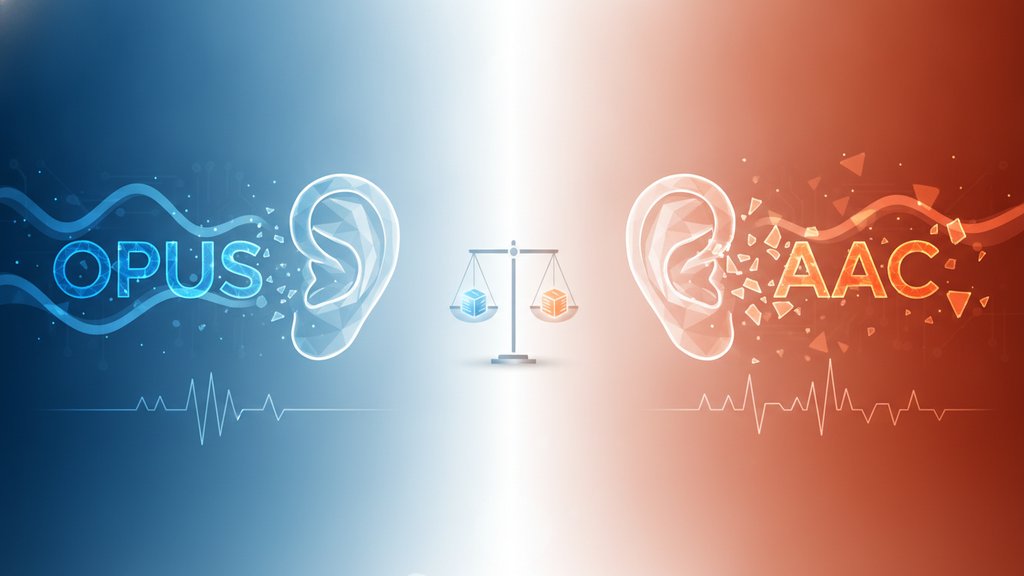
At low bitrates (roughly 64 kbps and below), Opus wins clearly over AAC in most listening tests. Opus was engineered from the ground up for internet streaming and voice, so it holds detail, avoids the muddy "underwater" artifacts, and stays intelligible where AAC starts to fall apart. AAC still competes well at 128 kbps and up, but if your goal is the best Opus audio quality for the smallest file, Opus is the stronger pick.
Content Table
The quick answer
Both codecs are lossy, meaning they throw away audio data you are unlikely to notice to shrink the file. The difference is how gracefully they degrade when you starve them of bits. Here is the short version:
- Below 64 kbps: Opus is noticeably cleaner, especially for speech and podcasts.
- 64 to 96 kbps: Opus still leads, but the gap narrows for music.
- 128 kbps and up: Both sound excellent; most people cannot reliably tell them apart.
What is the Opus codec
Opus is a free, open, royalty-free audio codec standardized by the IETF as RFC 6716 back in 2012. It was built by merging two earlier projects: Skype's SILK (great for speech) and Xiph.Org's CELT (great for music). That hybrid design is the secret behind its low-bitrate strength.
- Adaptive: It switches between speech-tuned and music-tuned modes on the fly, even mid-file.
- Wide bitrate range: Anywhere from 6 kbps for voice up to 510 kbps for full-quality stereo.
- Low latency: Ideal for real-time calls, which is why it powers WebRTC, Discord, and Zoom-style apps.
AAC (Advanced Audio Coding), by contrast, is the successor to MP3 and the default in the Apple ecosystem. If you have ever saved an M4A file, you were almost certainly using AAC inside it. It is a mature, high-quality codec, but it was designed in an era when 128 kbps was considered "low."
Opus vs AAC at each bitrate
Here is how the two typically compare, based on public listening tests like those run by Hydrogenaudio and the Xiph community:
| Bitrate | Opus | AAC | Winner |
|---|---|---|---|
| 32 kbps | Clear speech, usable music | Muffled, swirly artifacts | Opus (big margin) |
| 64 kbps | Near-transparent for voice | Decent, some harshness | Opus |
| 96 kbps | Excellent for music | Very good | Opus (slight) |
| 128 kbps | Transparent to most ears | Transparent to most ears | Tie |
| 256 kbps | Excellent | Excellent | Tie |
The pattern is consistent: the lower the AAC bitrate you push it to, the more ground Opus gains. Once you are past 128 kbps, arguing about which sounds better is mostly academic.
Why Opus wins at low bitrates
It comes down to three engineering choices Opus made that older AAC profiles did not:
- Hybrid speech and music modeling. When a stretch of audio is mostly voice, Opus applies SILK's speech model, which needs far fewer bits to sound natural than a general music coder.
- Short, flexible frames. Opus can use very small frame sizes, so sharp sounds (a snare hit, a hard consonant) do not smear into surrounding audio the way they can in AAC at low bitrates.
- Modern band-splitting. CELT allocates bits intelligently across frequency bands, preserving the parts of the sound your ear actually notices.
The result is that at 48 kbps, an Opus podcast sounds clean and present, while the same content in AAC often gets that hollow, gurgling quality in the high frequencies. If you want the background on how encoders make these choices, our explainer on what a codec actually is breaks it down without the jargon.
File size and streaming trade-offs
Because Opus squeezes more quality out of every kilobit, it lets you either drop the bitrate (smaller files) or keep the bitrate and gain quality. For a one-hour podcast:
- Opus at 48 kbps: roughly 21 MB, sounds great for voice.
- AAC at 48 kbps: same 21 MB, but noticeably rougher.
- AAC matching Opus quality: you often need ~64 to 80 kbps, so ~28 to 35 MB.
That efficiency is why Opus file size advantages add up fast for large libraries or bandwidth-limited streaming. If you want to understand why uncompressed formats balloon in comparison, our guide to audio file sizes and why WAV files are huge puts these numbers in context.
Which one should you actually use
Match the codec to where the audio is going, not to which one "wins" on paper:
- Podcasts, voice, audiobooks, streaming: Opus, especially if you are targeting low bitrates.
- Apple devices, iTunes libraries, wide hardware compatibility: AAC (often stored as M4A).
- Web apps and real-time calls: Opus, since browsers and WebRTC support it natively.
- Archiving or editing masters: neither. Use a lossless format like FLAC and export a lossy copy only for delivery.
If you are choosing container formats too, the same "smaller and modern vs. universal" trade-off shows up in video, which we cover in WebM vs MP4.

Convert audio to AAC or M4A at the bitrate you want
Testing Opus vs AAC quality means re-encoding at different bitrates. Drop a file in, pick AAC, M4A, MP3, FLAC, or OGG, set a target from 32 to 320 kbps, and download, no login required.
Convert Your Audio Free →
No. Opus clearly wins at low bitrates (under 96 kbps), especially for speech. At 128 kbps and higher, both codecs sound transparent to most listeners, so the real deciding factor becomes compatibility. AAC plays on more devices, which can matter more than a quality edge nobody can hear.
Opus combines a speech-optimized model (SILK) and a music-optimized model (CELT) and switches between them automatically. It also uses short, flexible frames and smart frequency-band allocation, so it wastes fewer bits and avoids the swirly artifacts AAC produces when you starve it of data.
Most likely yes. Android has supported Opus for years, and modern iPhones handle it too. However, some older Bluetooth speakers, car stereos, and legacy media players still lack support. When in doubt about hardware compatibility, AAC or MP3 remains the safest universal choice.
For spoken-word content, 48 to 64 kbps in Opus sounds clean and keeps files small, roughly 21 to 28 MB per hour. If your show has music beds or sound design, bump it to 96 kbps. Going above that rarely helps voice audio in any noticeable way.
At the same bitrate the files are the same size, since bitrate directly sets file size. The advantage is that Opus reaches equal quality at a lower bitrate, so you can pick a smaller setting for the same result. To match Opus at 48 kbps, AAC often needs 64 to 80 kbps.