

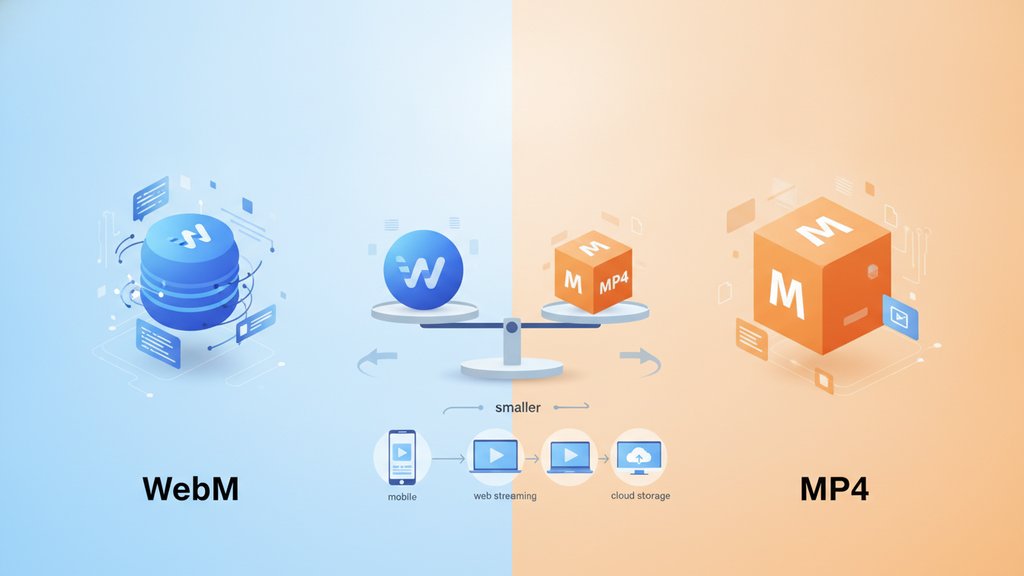
For the same visual quality, WebM is usually smaller than MP4 , often by 25-50%, because the modern codecs inside WebM (VP9 and AV1) compress more efficiently than the H.264 codec that powers most MP4 files. The catch: MP4 plays everywhere with zero fuss, while WebM is built for the web and can stumble on older devices, Safari, and some editing apps. Which one wins depends entirely on where the video needs to play.
Content Table
Container vs codec, the part everyone confuses
WebM and MP4 are both containers, so the codec packed inside each one is what decides file size. MP4 almost always carries H.264 video with AAC audio, while WebM carries VP9 or AV1 with Opus or Vorbis audio. That means asking "is WebM better than MP4" is really a comparison of VP9/AV1 against H.264, and the container-versus-codec distinction behind it is explained in full in what a codec is and why it matters.
Which format is actually smaller
The codecs WebM uses were designed years after H.264 and squeeze more detail into fewer bits. Here is the rough efficiency ranking from biggest files to smallest, at matched quality:
- VP8 / H.264: roughly the same generation, similar sizes.
- VP9 (WebM) / H.265: about 30-50% smaller than H.264 for the same look.
- AV1 (WebM): another 20-30% smaller than VP9, the most efficient mainstream codec today.
Google reports that VP9 cuts bandwidth significantly versus older codecs, which is exactly why YouTube serves it. So for the question of WebM vs MP4 file size, WebM wins almost every time, as long as you compare a modern WebM codec to standard H.264 MP4.
Real-world file size comparison
Here is a typical 60-second 1080p clip exported at visually similar quality. Numbers vary with content (fast motion costs more bits), but the pattern holds:
| Format + codec | Approx. size | Best for |
|---|---|---|
| MP4 (H.264) | ~22 MB | Universal playback, editing |
| WebM (VP9) | ~13 MB | Web embedding, streaming |
| WebM (AV1) | ~9 MB | Bandwidth-critical web delivery |
| MP4 (H.265) | ~12 MB | Apple ecosystem, modern devices |
The size of any of these is driven by bitrate, the amount of data spent per second of video. If you want to understand the lever that actually controls size, read how video bitrate controls file size and quality. The broader strategies for shrinking video without wrecking it are covered in video compression 101.
Browser and device support
Smaller files mean nothing if the video refuses to play. This is where MP4 still dominates.
- MP4 (H.264) : plays on essentially everything made in the last 15 years, every browser, phone, smart TV, and editing app.
- WebM (VP9) : supported in Chrome, Firefox, Edge, and Android. Safari added VP9 support starting with macOS Big Sur, but older Apple devices may fail.
- WebM (AV1) : growing fast in modern browsers, but hardware decoding is only on recent chips, so older devices decode in software and can stutter.
You can check the live picture on
caniuse.com's WebM support table. The safe move for maximum reach is to offer both: WebM first for browsers that support it, MP4 as the fallback. The HTML5
<video>
element lets you list multiple sources and the browser picks the first one it can play.
<video controls>
  <source src="clip.webm" type="video/webm">
  <source src="clip.mp4" type="video/mp4">
</video>
When to use WebM
Pick WebM when bandwidth and load speed matter more than universal compatibility:
- Embedding video on a website where smaller files speed up page loads and cut hosting bandwidth.
- Background videos and looping animations that need to be tiny and never leave the browser.
- Replacing animated GIFs, since a WebM is a fraction of the size of the same loop as a GIF.
- Streaming to known-modern audiences where you control or expect current browsers.
When to use MP4
Reach for MP4 when the video has to "just work" anywhere:
- Sharing with clients or coworkers who might open it on any device, including older iPhones.
- Uploading to social platforms, most of which prefer or require MP4 (check the limits in every major platform's file size cheat sheet).
- Video editing, since H.264 MP4 is the most widely accepted import format in editors.
- Email or messaging, where compatibility beats squeezing out the last megabyte. Related limits live in why email attachments still have size limits.
How to open a WebM file
If someone sent you a WebM and it won't open, you have a few easy paths:
- Any modern browser: drag the file into a Chrome, Firefox, or Edge tab and it plays.
- VLC Media Player: the free, cross-platform player handles WebM natively on Windows, Mac, and Linux.
- Convert it to MP4 if you need it in an editor or an unsupported device.
Windows Media Player and older versions of QuickTime often won't open WebM without extra codecs, which is the usual reason the file "won't play." When that happens, converting to MP4 is the fastest fix.

Make your WebM files even smaller
Already chose WebM for its file size advantage in the WebM vs MP4 trade-off? Our free WebM compressor re-encodes with VP9 or AV1 and a quality slider, so you can shrink web video without touching the original quality you need.
Compress a WebM →
At the same file size, WebM with VP9 or AV1 usually looks slightly better than MP4 with H.264 because the newer codecs are more efficient. At the same quality, WebM is smaller. MP4 still wins on compatibility, so "better" depends on whether you value size or universal playback more.
Because the codec inside WebM, usually VP9 or AV1, compresses video more efficiently than the H.264 codec found in most MP4 files. For matched visual quality, that efficiency gap commonly produces files 25-50% smaller, which is why streaming services lean heavily on WebM and VP9.
Newer iPhones and recent versions of Safari can play VP9 WebM, but support has been inconsistent across older iOS devices. If you need a video to play reliably on any iPhone, convert it to MP4 with H.264, which Apple devices have supported for many years.
Yes, a little. Converting re-encodes the video, and any lossy re-encode discards some data. The good news is VP9 and AV1 are efficient enough that a well-set conversion looks nearly identical while saving space. Avoid repeatedly converting the same clip, since each pass compounds the quality loss.
Upload MP4 with H.264. Platforms re-encode everything you send into their own formats anyway, so there's no size benefit to uploading WebM, and MP4 is the safest, most widely accepted upload format. YouTube then serves VP9 WebM to viewers on its end automatically.