

On this page
- JPG vs PNG: which format should you use?
- What is the difference between PNG and JPEG?
- PNG vs JPG file size and quality
- PNG or JPEG for photos, logos and screenshots
- Can you convert JPG to PNG to improve quality?
- JPG or PNG for websites, and where WebP fits
- How to make a JPG or PNG smaller
- Frequently asked questions
JPG vs PNG: which format should you use?
If the image came out of a camera or a phone, save it as JPG. If someone made it on a computer (a logo, an icon, a screenshot, a chart, a diagram), save it as PNG. And if any part of it has to be see-through, PNG is the only one of the two that can do that.
That one rule covers most decisions. The rest of this guide explains the reasons, so you can handle the edge cases too, like a photo with text on it or a screenshot of a photo.
JPG and JPEG are the same format. The shorter .jpg extension dates from older Windows systems that allowed only three letters. A .jpeg file and a .jpg file are identical inside.
What is the difference between PNG and JPEG?
The real difference is how each format throws data away, or doesn't.
How JPG compression works
JPEG splits the image into small 8 by 8 pixel blocks and stores each block as a mix of smooth patterns. Then it rounds off the fine detail the eye is least likely to notice. A quality setting decides how much gets rounded off. Most encoders also store colour at a lower resolution than brightness, because our eyes are less sensitive to colour detail.
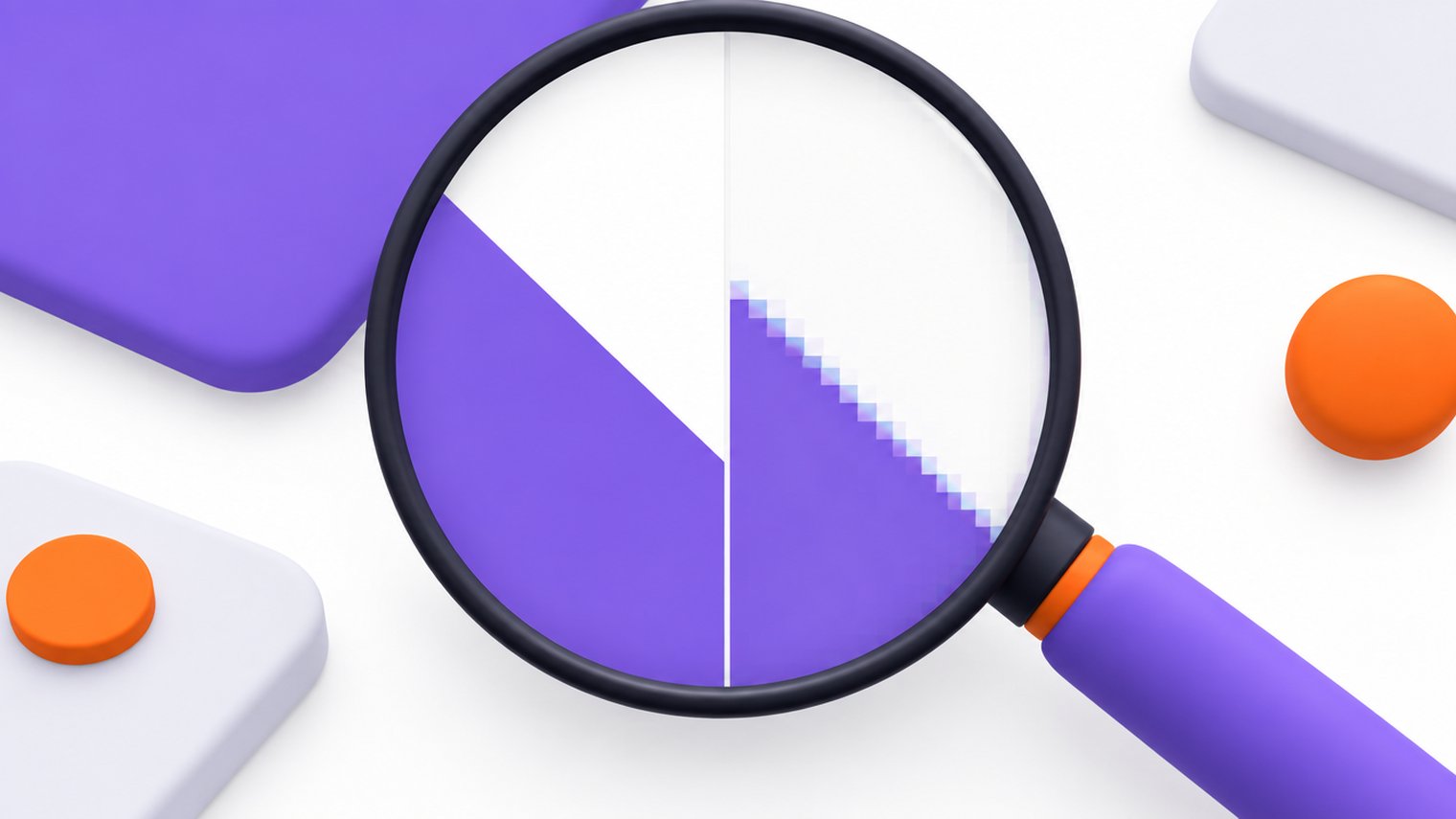
On a photo this works very well. Skin, sky, foliage and noise hide the rounding. On a sharp edge, like black text on a white background, the rounding shows up as fuzzy halos and blocky smudges. Our guide to image compression artifacts shows what that damage looks like and which quality range avoids it.
How PNG compression works
PNG is lossless. It predicts each pixel from its neighbours and packs the differences with the same Deflate algorithm used in zip files. Decode a PNG and you get back exactly the pixels that went in.
That packing works best when neighbouring pixels repeat, as in flat colour areas, solid backgrounds and crisp lines. A photo has almost no exact repetition, so a photo saved as PNG stays large.
Transparency, colour depth and animation
- Transparency: PNG has a full alpha channel, so pixels can be fully or partly see-through. That's how soft shadows and anti-aliased edges blend into any background. Standard JPG has no transparency at all.
- Colour depth: JPG stores 8 bits per channel. PNG can store 8 or 16 bits per channel, or use an indexed palette of up to 256 colours.
- Animation: JPG is always a still image. Animated PNG (APNG) is part of the current W3C PNG specification, though GIF and video formats are still the usual choice for animation.
PNG vs JPG file size and quality
Neither format is always smaller. It depends on the content:
- Photos: a JPG at a sensible quality is usually several times smaller than the same photo as PNG, and it looks the same at normal viewing size.
- Flat graphics and screenshots: a PNG is often smaller than a JPG of the same quality, and it stays perfectly sharp. Making a JPG of text look clean takes a high quality setting, and that erases most of the size advantage.
Quality also behaves differently over time. Every time you edit and re-save a JPG, it loses a bit more detail. You can open and re-save a PNG a hundred times and not one pixel changes. That makes PNG the safer working format while you're still editing a graphic.
| Question | JPG | PNG |
|---|---|---|
| Compression | Lossy | Lossless |
| Transparent background | No | Yes, including partial transparency |
| Best content | Photos, realistic images | Text, logos, icons, screenshots, charts |
| File size for photos | Small | Large |
| File size for flat graphics | Often larger for the same sharpness | Small |
| Re-saving | Loses detail each time | No loss |
| Colour depth | 8 bits per channel | Up to 16 bits per channel, or a palette |
PNG or JPEG for photos, logos and screenshots
Here is the choice for the images people ask about most:
| Image | Pick | Why |
|---|---|---|
| Phone or camera photo | JPG | Far smaller, and the loss is invisible in natural detail |
| Logo or icon | PNG | Crisp edges and a transparent background |
| Screenshot of an app or a document | PNG | Text stays readable with no smudging |
| Chart, diagram, infographic | PNG | Flat colours and thin lines compress well losslessly |
| Product photo that needs a cut-out background | PNG | Only PNG keeps the transparency |
| Photo with a small caption on it | JPG at a high quality | The photo dominates the file; a high quality keeps the text clean |
| Scanned document for printing or archiving | PNG | No detail is lost on re-saves |
Can you convert JPG to PNG to improve quality?
No. Once JPG compression has thrown detail away, that detail is gone. Saving the result as PNG locks in the blur and the blocks exactly as they are, and the file usually gets much bigger. It doesn't add transparency either: the background is still a solid colour, just stored losslessly.
The other direction is a fair trade. Converting a PNG photo to JPG shrinks it a lot. The cost is one round of lossy compression and the loss of any transparency, which gets filled with a solid colour.
Keep your originals. Start every edit or compression from the best copy you have. A JPG that has already been saved at low quality loses detail again with each re-save.
JPG or PNG for websites, and where WebP fits
On the web, the same rule applies: JPG for photos, PNG for graphics and transparency. Every browser shows both. MDN's image format guide gives the same advice and lists the newer formats as well.
WebP can replace both: it has a lossy mode for photos, a lossless mode for graphics, and transparency in either. It's a good default for a website, as long as the places your image goes support it. Our WebP browser support guide covers where it works. For email attachments, documents and older software, JPG and PNG are still the safe choices.
How to make a JPG or PNG smaller
Once the format is right, compression does the rest. Each format has its own levers.
Shrinking a JPG
Lower the quality. The SimpleSize JPG compressor starts at quality 82 and caps the slider at 95. It saves a progressive JPG with rebuilt tables, applies the camera rotation, and removes EXIF data such as GPS location. The colour profile is kept, and the width and height stay the same.
Shrinking a PNG
Reduce the colours. The SimpleSize PNG compressor builds a palette of up to 256 colours by default, and you can set Maximum colors anywhere from 16 to 256. Transparency is kept. If not a single pixel may change, tick Lossless, and the file is only repacked at the strongest compression level. Our explainer on image quantization shows why fewer colours barely affect a logo but cause banding in a photo.
Both compressors keep the format you upload, accept files up to 40 MB each, and return the original unchanged if the compressed copy wouldn't be smaller.
Got a mix of JPGs and PNGs?The image compressor takes several formats in one batch. Compress JPGMake photos smaller with one quality slider, location data removed
Compress PNGShrink logos and screenshots and keep transparency
Frequently asked questions
PNG keeps every pixel exactly, so it never adds compression damage. That doesn't make it the better choice for photos. A JPG at a good quality setting looks the same to the eye at a fraction of the size. PNG wins clearly on text, sharp lines and flat colours.
The image is probably a photo. PNG compresses losslessly by finding repeated pixels, and photos have very few, so every bit of detail and noise gets stored. Save photos as JPG. If the PNG has to stay a PNG, reducing its colours shrinks it, though photos can show banding.
No. Standard JPG has no alpha channel, so transparent areas are filled with a solid colour, usually white, when an image is saved as JPG. For a logo or cut-out product on a transparent background, use PNG, or WebP if every place the image goes supports it.
PNG. Screenshots are full of small text and hard edges, which JPG compression smudges into halos, and colour subsampling can blur thin red or blue text. A PNG screenshot stays sharp, and because it has large flat areas, it often ends up smaller than a JPG of the same sharpness.
Yes, each lossy re-save rounds off detail again, so quality drops a little more each time you edit and save. Work from the original file, or keep a lossless master copy while editing, and export to JPG once at the end.