


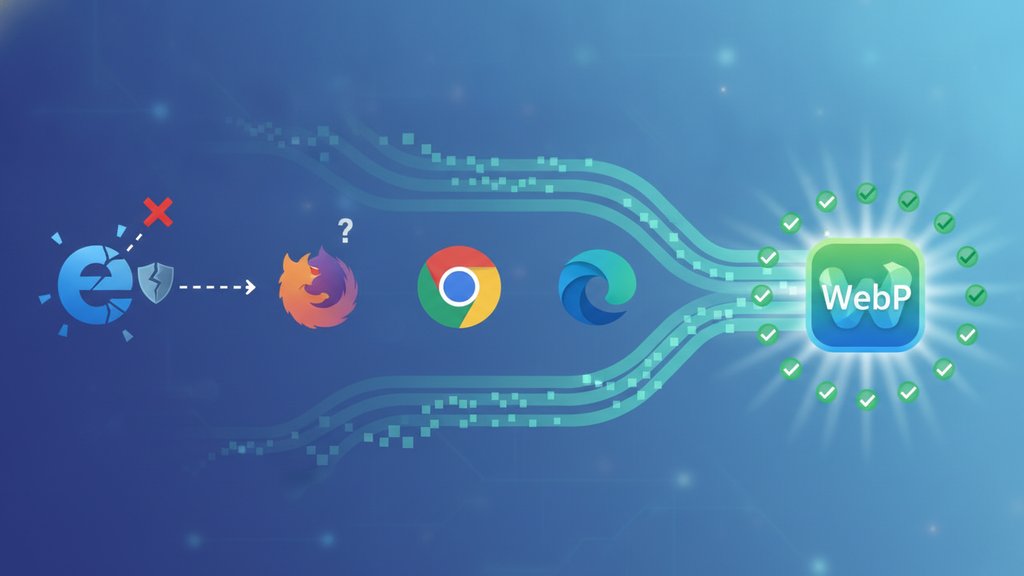
WebP works in every major browser today: Chrome, Firefox, Edge, Safari, Opera, and their mobile versions all render WebP images natively. The last big holdout was Safari, which added WebP support in Safari 14 (September 2020), so any device running iOS 14+ or macOS Big Sur and later handles it fine. The places WebP still fails are old browser versions, Internet Explorer, and a handful of email clients and legacy image tools, which is why a fallback still matters.
Content Table
Where WebP works today
WebP compatibility is now close to universal. According to Can I Use, global support sits above 96% of tracked browser usage. Here is where it stands across the browsers people actually use:
| Browser | WebP support since | Released |
|---|---|---|
| Chrome | Version 23 (basic), 32 (full) | 2013 / 2014 |
| Firefox | Version 65 | January 2019 |
| Edge | Version 18 | 2018 |
| Safari (macOS) | Version 14 (Big Sur) | September 2020 |
| Safari (iOS) | iOS 14 | September 2020 |
| Opera | Version 12.1 | 2012 |
| Chrome for Android | All modern versions | Long-standing |
Opera and Chrome were the early adopters because WebP came from Google in 2010. Firefox and Edge joined later, and once Safari fell in line the format effectively became safe to use as a default for most websites.
The Safari WebP story
For years, Safari was the reason web developers hesitated to ship WebP. Apple didn't support it in the WebKit engine, so any WebP image shown to an iPhone or a Mac running Safari would simply break and display nothing.
That changed with Safari 14, released alongside macOS Big Sur and iOS 14 in September 2020. Since then, Safari WebP support has been solid for both lossy and lossless images, including transparency. A few things to keep in mind:
- Older iPhones and iPads that cannot update past iOS 13 will not render WebP. This is a shrinking group but not zero.
- Animated WebP arrived a bit later and works reliably in current Safari versions.
- macOS Preview and Quick Look also gained WebP viewing in Big Sur, so users can open the files outside the browser too.
Where WebP still fails
WebP is not perfect everywhere. These are the real gaps you should plan around:
- Internet Explorer 11 never supported WebP and never will. If you still serve IE users (some enterprise and government setups do), you need a fallback.
- Email clients are the biggest weak spot. Outlook, Apple Mail, and many others do not render WebP in emails. Stick with JPG or PNG for email graphics.
- Older Safari versions (13 and below) on devices stuck on old iOS builds.
- Some legacy CMS themes and plugins that were built before WebP was common may not generate or accept the format.
- Certain design and preview tools on older operating systems may not open WebP files without a plugin.
How to serve a WebP fallback
A WebP fallback lets modern browsers load the smaller WebP file while older ones get a JPG or PNG. The cleanest way is the HTML
<picture>
element, which the browser reads top to bottom and uses the first format it understands.
<picture>
  <source srcset="photo.webp" type="image/webp">
  <img src="photo.jpg" alt="Mountain sunrise">
</picture>
A browser that supports WebP grabs
photo.webp
. Anything that doesn't, including IE11, skips the source and loads
photo.jpg
from the standard
<img>
tag. You can read more about the
picture element on MDN
.
Other fallback options include:
-
Server content negotiation
: your server reads the browser's
Acceptheader and sends WebP only when the browser advertises support. - CDN auto-conversion : services like Cloudflare Polish or image CDNs deliver WebP to compatible browsers automatically.
- Build-time generation : create both a WebP and a JPG/PNG version of each image during your build so both are ready to serve.
Should you use WebP now
For most websites, yes. With over 96% browser coverage and a simple fallback for the rest, WebP gives you real file size savings, often 25% to 35% smaller than a comparable JPG, and it supports transparency like PNG plus animation like GIF. That makes it one of the most practical modern image formats available.
The main exceptions are HTML email (use JPG/PNG) and audiences with unusual legacy-browser requirements. If you are ready to shrink your images, you can compress and re-encode them to WebP without losing quality first, then wrap them in a
<picture>
tag for safety.

Shrink your WebP files before you ship them
Now that WebP browser support is nearly universal, get the file size wins too. Our free WebP compressor re-encodes images at your chosen quality, keeps transparency, and supports lossless mode, no login required.
Compress a WebP image →
Yes. Safari added WebP support in version 14, released in September 2020 with macOS Big Sur and iOS 14. Both lossy and lossless WebP work, including transparency and animation. Only older devices stuck on iOS 13 or earlier cannot display WebP, and that group is now very small.
For public websites, a fallback is smart but not always essential since support is above 96%. Use the HTML picture element to serve WebP with a JPG or PNG backup. A fallback matters most if you support Internet Explorer 11 or have traffic from very old iOS devices.
Most email clients, including Outlook and Apple Mail, do not render WebP. Email rendering engines lag far behind browsers, so WebP support there is unreliable. Always use JPG or PNG for images inside HTML emails to make sure every recipient sees them correctly.
No. Internet Explorer, including IE11, never supported WebP and never will, since Microsoft has ended its development. If any of your visitors still use IE, serve them a JPG or PNG through a picture element fallback so they always get a working image.
Usually yes. Lossy WebP is often 25% to 35% smaller than a comparable JPG at similar quality, and lossless WebP tends to beat PNG for graphics. WebP also supports transparency and animation, so it can replace JPG, PNG, and GIF while keeping files lighter.